

 English
 Français
 Deutsch
 Italiano
 Español


Non-fiction
Technologie
 Publié le 18 août 2026
Mis à jour le 18 août 2026
Publié le 18 août 2026
Mis à jour le 18 août 2026
 4 min
4 min

Non-fiction
Technologie
Publié le 18 août 2026
Mis à jour le 18 août 2026
4 min



Copywriter, political activist, former and aspiring local politician. Based in the Netherlands, writ...
 Label de transparence créative
 Tous publics
 Image /
Image humaine
Image /
Image humaine
 Texte /
Création humaine
Texte /
Création humaine


 Contribuer
5 indispensable European apps (according to me)
Photo by Tahmeed Ahmad on Unsplash.
If you've ever visited my Creative Room here before, you probably already know that I've been working to disentangle myself from the US-based big tech eco system. There are a variety of reasons for this, but they're best summed up as "Trump and digital self-reliance".
The digital economy runs on attention and good old fashioned money. We, as consumers, can choose where to direct ours. So here are 5 European apps that I've used to wean myself off US tech companies.
#5: DeepL
Type: Translations
Alternative for: Google Translate
Cost: Free or paid plans
Country: Germany
I travel regularly, and I both work and socialise with people who speak a bunch of different languages. This made Google Translate an indispensable tool for me, but Google is Google, so I needed an alternative. DeepL fits the bill, offering text or image translations, plus the ability to play audio of the translated text.
#4: Joplin
Type: Notes
Alternative for: Google Notes
Cost: €2.40 per month for a basic plan
Country: France
Being able to sync notes from my phone to my computer, and vice versa, just makes life easier. This isn't an app I use every day, but I'd certainly miss not having it to store my shopping lists, address book, and random notes I've made for myself. Joplin allows for text and multimedia notes, it uses France-based cloud storage, and it syncs seamlessly.
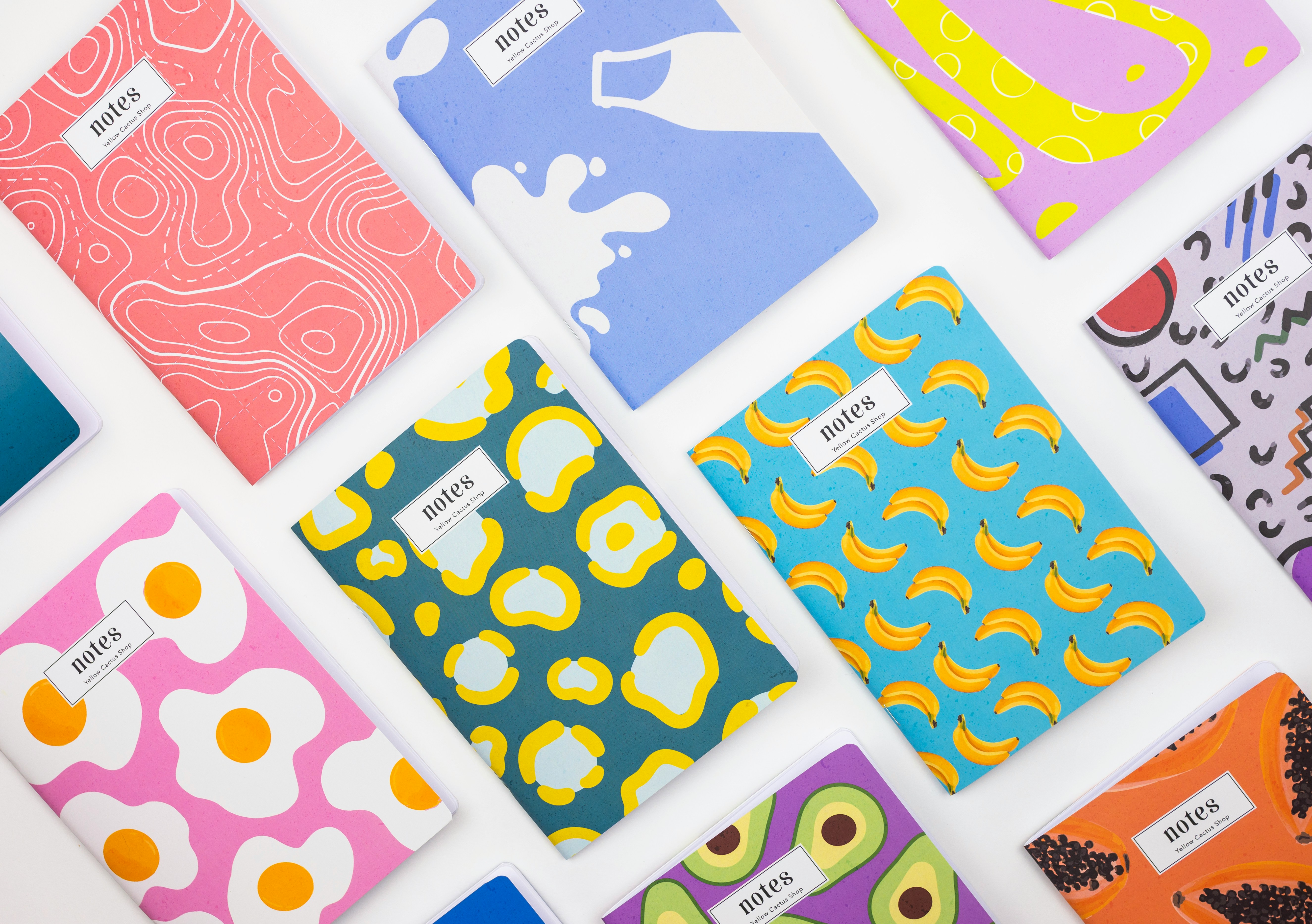
Photo by Yellow Cactus on Unsplash.
#3: HERE WeGo
Type: Maps
Alternative for: Google Maps, Apple Maps
Cost: Free
Country: Netherlands
GPS has been a game changer when it comes to getting around, and for the past 10+ years I've used map apps to walk, bike, drive, and take public transport. The HERE WeGo maps don't update as quickly as mainstream alternatives, and it relies on users to update business/shop addresses and opening times, etc. But it's good enough, and it works well with Android Auto, so it has quickly become my go-to app for getting around.
#2: Proton Drive
Type: Cloud storage
Alternative for: OneDrive, Google Drive/Photos
Cost: 5GB Free
Country: Switzerland
I take a lot of photos on my phone, and it's nice to know I'm not going to lose them if I drop my phone in the toilet. I have a paid plan because I'm using way more than 5GB, but the costs are comparable to mainstream alternatives, and my photos sync pretty seamlessly, meaning I can also view them on my PC. It's not like Google Photos where you can tap a photo of your friend's cat and see your other photos of that cat, but I can live without that.

#1: Linux Mint
Type: OS
Alternative for: Windows, Mac
Cost: Free
Country: Ireland
Okay, this one is a bit of a wildcard for two reasons- it isn't an app and it's European credentials aren't clear cut either, but hear me out. When people think Linux as an operating system, they tend to assume that it's complicated, and requires you to have a lot of skills and know-how. But Linux Mint is comfortingly familiar, visually resembling other common operating systems for desktop PCs and laptops. It's free to download, and frees you from the binary choice between Microsoft or Apple, with no coding knowledge required. On paper, Linux Mint is registered in Ireland, but it's open source with contributors from around the world, so that's good enough for me.
While you're freeing your phone from dependence on US-based big tech, you may as well free your PC too.
Propriété intellectuelle et crédits

© Image de Couverture
Tahmeed Ahmad

© Texte principal
Jeremy Bellamy

© Autres images dans ton texte
Yellow Cactus, Rirri
Gestion des licences Creative Commons

Crédit requis, usage commercial permis
CC BY
Précédent


Proton: Europe's answer to big tech?





 Technologie
















 Tu peux soutenir les auteurs qui te tiennent à coeur








Commentaire (0)